
Overview
PDF2Office for iWork is an application that converts PDF files to the iWork ’08/ ’09 formats.
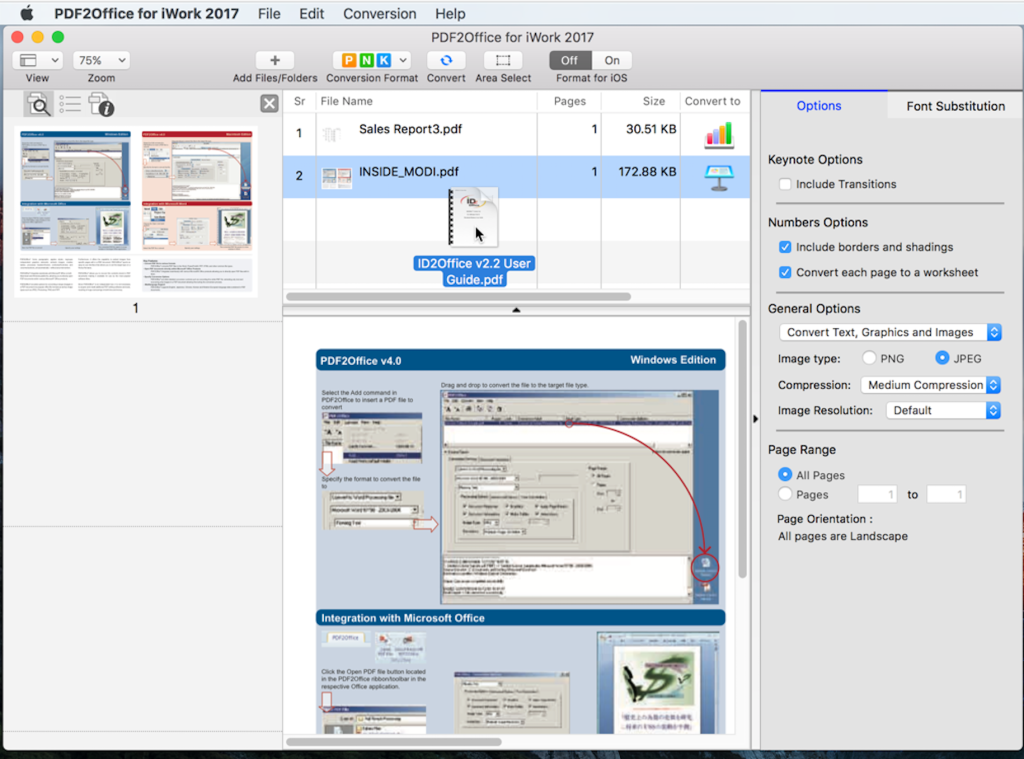
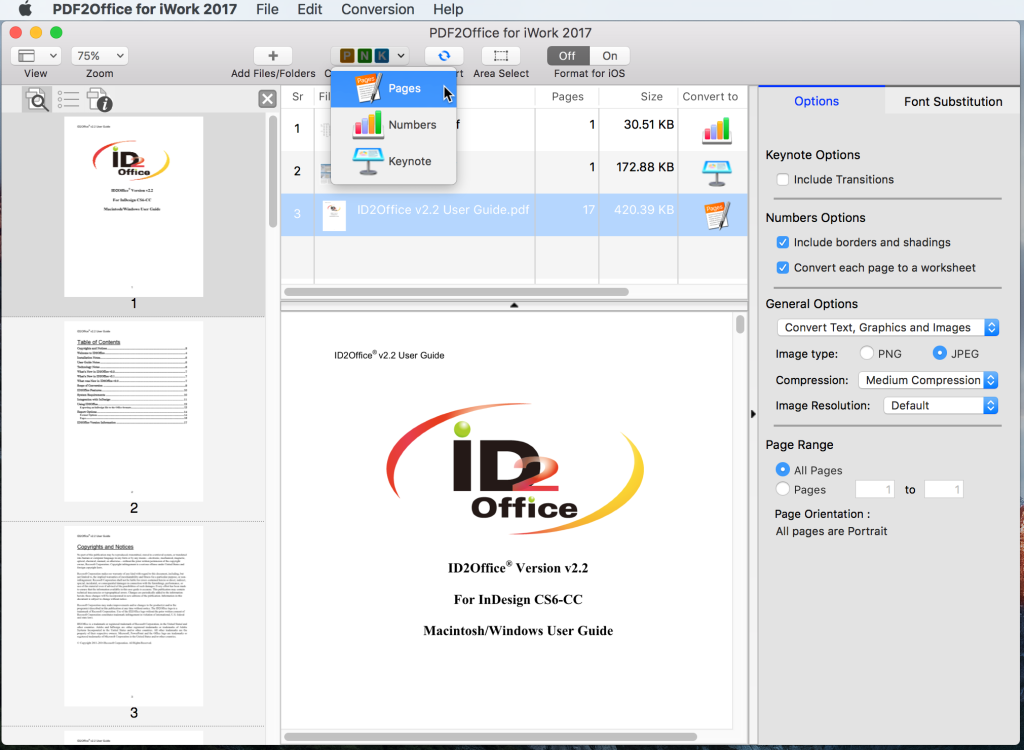
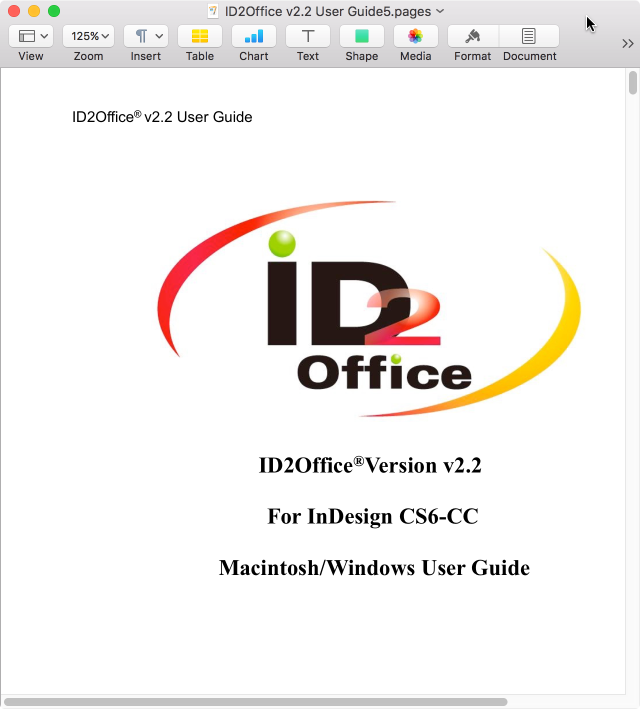
Convert PDF to Numbers. Convert PDF to Keynote. Convert PDF to Pages.
PDF2Office for iWork converts PDF files into editable Numbers, Keynote and Pages files by recreating the intended construction and layout of the document; forming paragraphs; applying styles; regrouping independent graphic elements; extracting images; creating tables; all automatically without any manual intervention. PDF2Office for iWork also provides detailed options for fine-tuning the conversion process. You can specify substitution fonts and also choose to convert the entire PDF file or a range of pages to the Numbers, Keynote or Pages formats.
PDF2Office for iWork allows you to recover the contents stored in PDF files making it available for use in iWork ’08/ ’09. Since PDF2Office for iWork is a standalone tool, it is not necessary to acquire and install additional PDF editing software and tools, resulting in huge cost savings in both time and money.
Note: Layout reconstruction varies depending on document and may not be 100% accurate. PDF2Office does not perform Optical Character Recognition. An image in a PDF file is treated as an image. Furthermore, certain types of PDF data are not supported including (but not limited to) transparencies, clipping paths, tilings/shadings, certain graphics operations, graphics filtering, certain text operations and PKCS/AES encrypted documents.
Features Summary
-
Convert PDF documents to iWork 08/09 formats
Convert PDF documents into fully editable Numbers, Keynote and Pages file types. PDF2Office for iWork intelligently builds paragraphs, creates tables and regroups independent graphics to re-create the intended layout of the original file.
-
Batch Convert PDFs
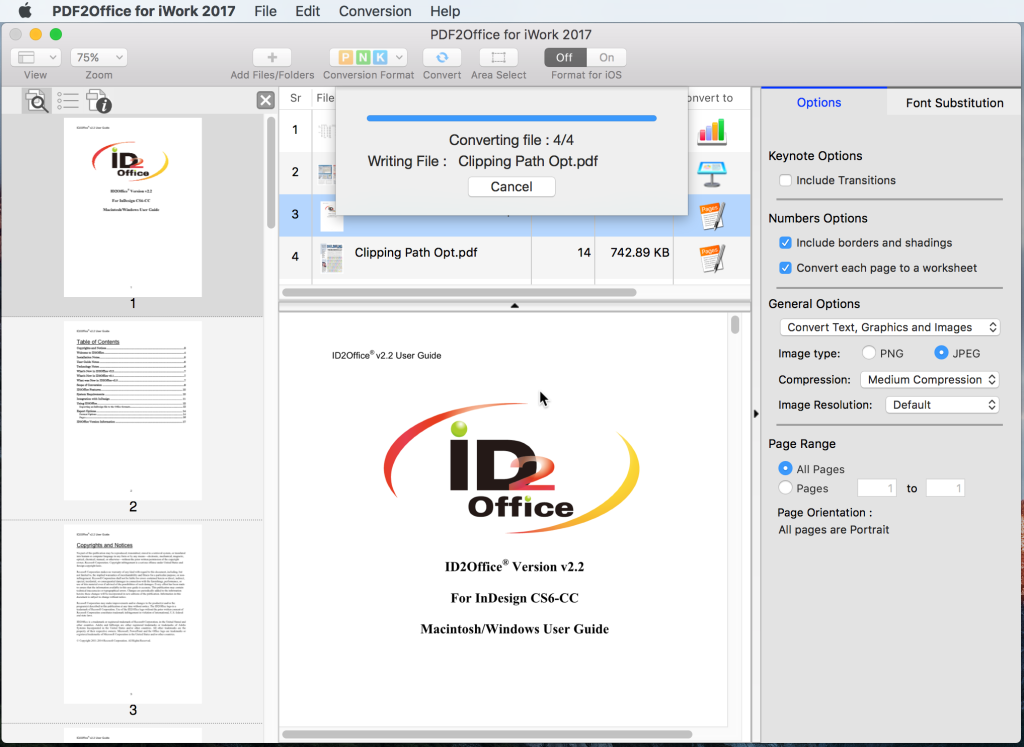
Batch converts PDFs to the Numbers, Pages and Keynote formats with a simple-click.
-
Specify detailed conversion options
PDF2Office for iWork provides options to fine-tune the Conversion result. You can opt to exclude graphics, specify a specific range of pages to convert and also specify font substitutions.
-
Format conversion results for the iOS
A new Format for iOS option optimizes the resulting files for viewing/editing on the iPAD, iPhone and iPod.
-
Quick
PDF2Office for iWork will convert the PDF file within seconds.
-
Password Protected PDF documents
Convert password-protected PDF documents1.
-
Multi-Language/Asian Language Support
Supports English/Japanese/Chinese/Korean/Western European/Greek/Russian-language data contained in PDF documents