
 |
|
 |
 |
PDF2Office Standard v4.0
 |
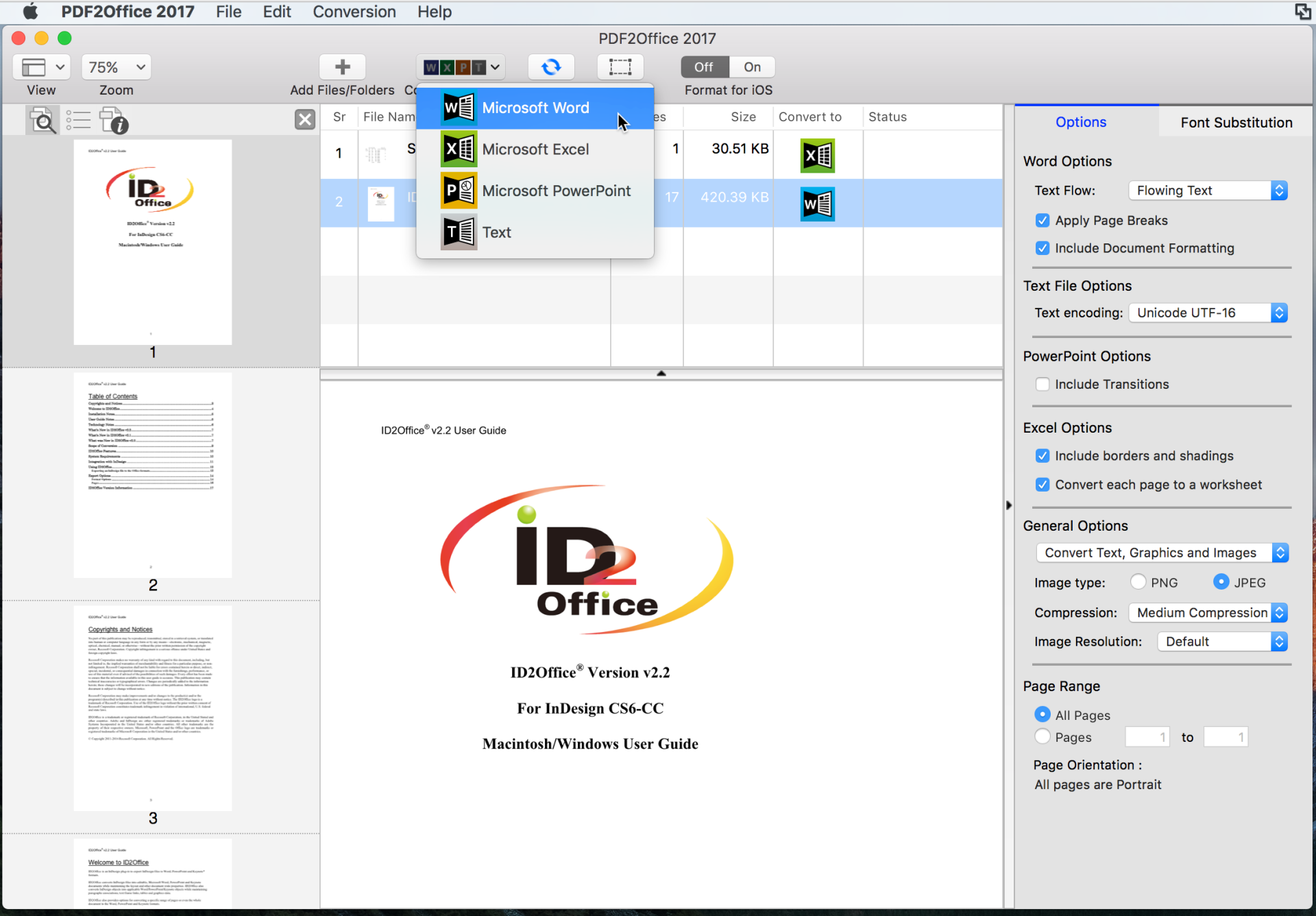
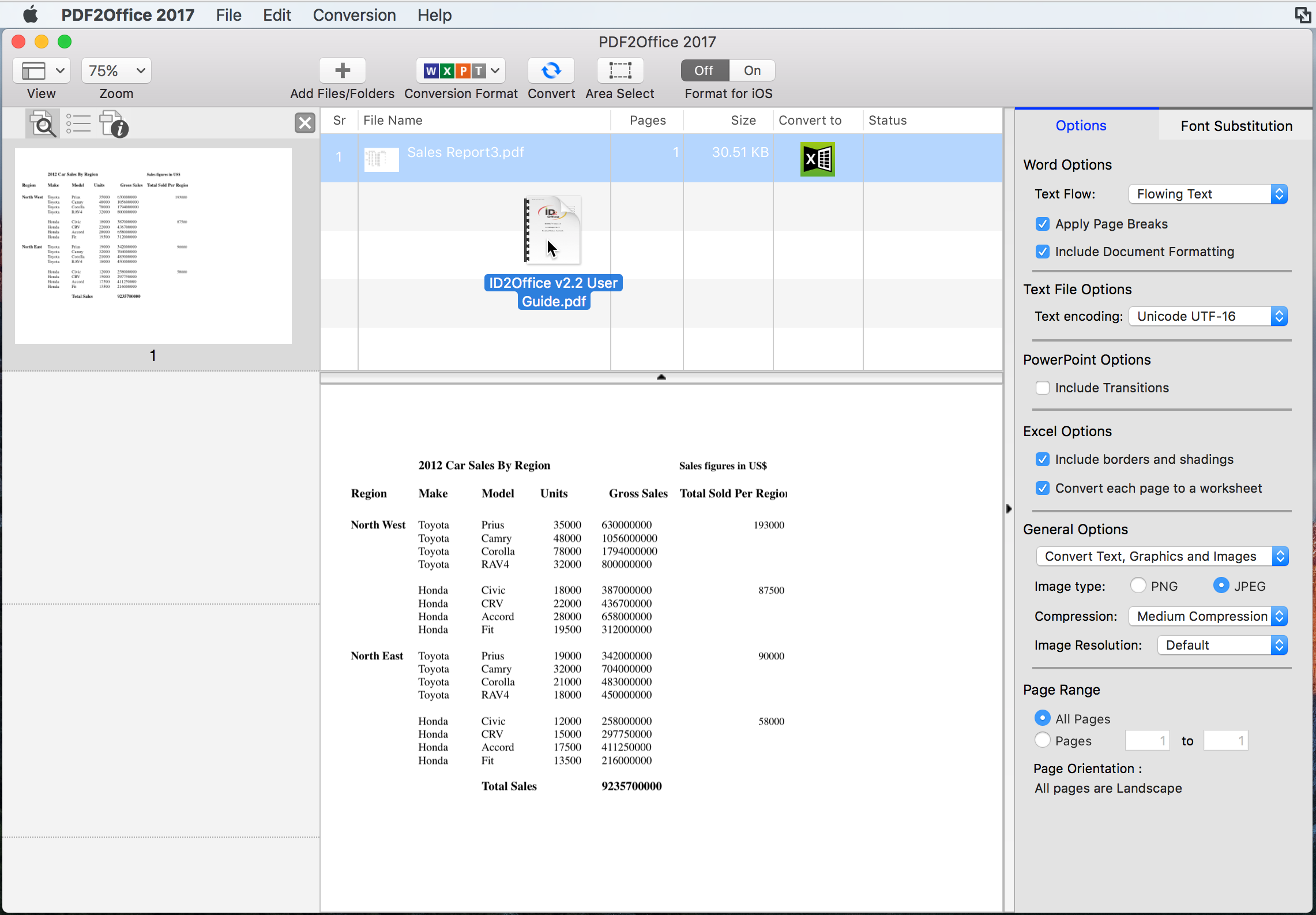
PDF2Office Standard is a PDF file conversion and data extraction plug-in for Microsoft® PowerPoint® and Microsoft® Word.
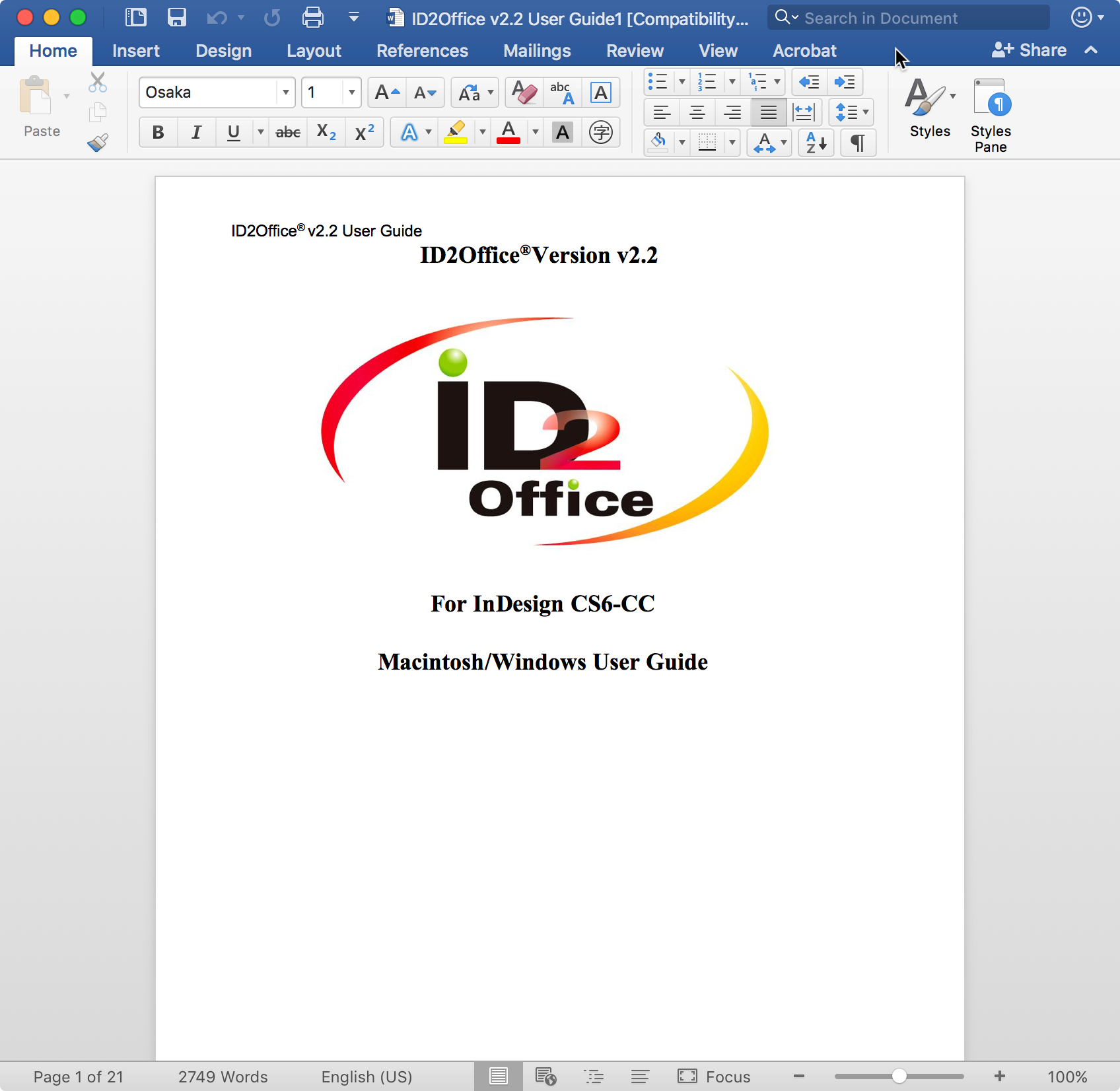
PDF2Office Standard converts PDF documents into fully editable Microsoft® PowerPoint® and Word formats recreating the intended construction and layout of the document. |
PDF2Office Standard forms paragraphs, applies styles, regroups independent graphics elements, extracts images; creates tables; processes headers/footers, endnotes/footnotes and columns/sections automatically - without any intervention.
PDF2Office Standard also provides options for converting or extracting data from a range of pages in a PDF document. You can extract text or images, or convert the entire document to the Microsoft® PowerPoint® or Word format.
PDF2Office Standard enables you to recover the data stored in PDF documents - making them available for use by anyone. Since PDF2Office Personal is a plug-in for Microsoft® PowerPoint® and Word, it is not necessary to acquire and install additional PDF editing software and tools resulting in huge cost savings in both time and expense.
Features Summary
- Open PDF documents directly in Microsoft® PowerPoint® and Microsoft® Word
PDF2Office Standard is a plug-in for Microsoft® PowerPoint® and Microsoft® Word that enables you to directly open PDF documents within Microsoft® PowerPoint® and Word.
- Click Open
Right click on a PDF document on the desktop and have it open in Microsoft® PowerPoint® and Word.
- Quick
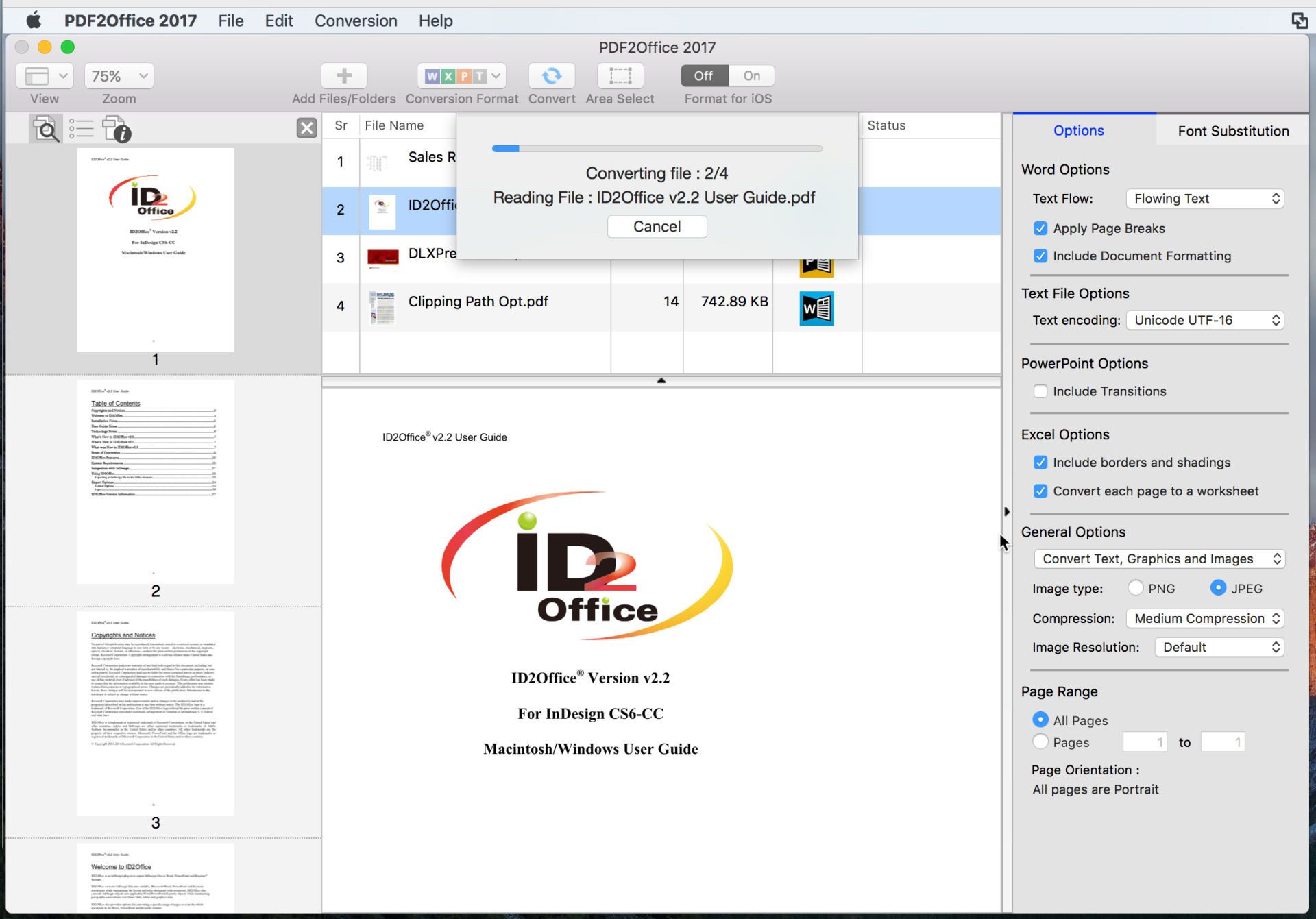
PDF2Office Standard converts the PDF document to Microsoft® PowerPoint® and Word formats within seconds.
- Fine tune your conversions
You can fine tune the conversion process by specifying hyphenation options, font substitution, font scaling, image resolution and many other settings.
- Seamless Integration
PDF2Office Standard seamlessly integrates with Microsoft® PowerPoint®, Microsoft® Word and the desktop interface.
- Password Protected PDF documents
Open password-protected PDF documents.
- Extract Data
Extract text, images and/or other data from specific pages.
- Multi-Language/Asian Language Support
Supports English, Japanese, Chinese, Korean and Western European-language data contained in PDF documents.
Note: Layout reconstruction varies depending on document and may not be 100% accurate. PDF2Office does not perform Optical Character Recognition An image in a PDF file is treated as an image. Furthermore, certain types of PDF data are not supported including (but not limited to) transparencies, clipping paths, tilings/shadings, certain graphics operations, graphics filtering, certain text operations and PKCS/AES encrypted documents. |
|
|
 |