
 Buy Mac
 Buy Windows
 TRIAL Windows

PDF2Office converts PDF files and Windows XPS files to Office formats.
Convert PDF to Word (doc), Convert PDF to Excel (xls), Convert PDF to PowerPoint (ppt), OmniGraffle and other formats.
Convert PDF file and XPS (on Mac only) to common Office format files
PDF2Office converts PDF files and Windows XPS*1 files into editable Microsoft® Excel, Microsoft Word, Microsoft PowerPoint®, OmniGraffle*1, RTF, HTML and other files recreating the intended construction and layout of the document.
PDF2Office forms paragraphs; applies styles; regroups independent graphics elements; extracts images; creates tables; processes headers/footers; endnotes/footnotes and columns/sections, all automatically – without any intervention. PDF2Office integrates seamlessly with Microsoft Office, allowing you to directly open PDF documents within Microsoft Office applications.
PDF2Office allows you to recover and reuse the contents stored in PDF files and Windows XPS files making it available for use by the most popular software titles; enhancing workflow automation and productivity. PDF2Office uses our custom PDF2Office Kit library for converting PDF/XPS to Office formats and extracting data from them.
How to Convert PDF to Excel, Word, PPT & OmniGraffle on Mac or Windows
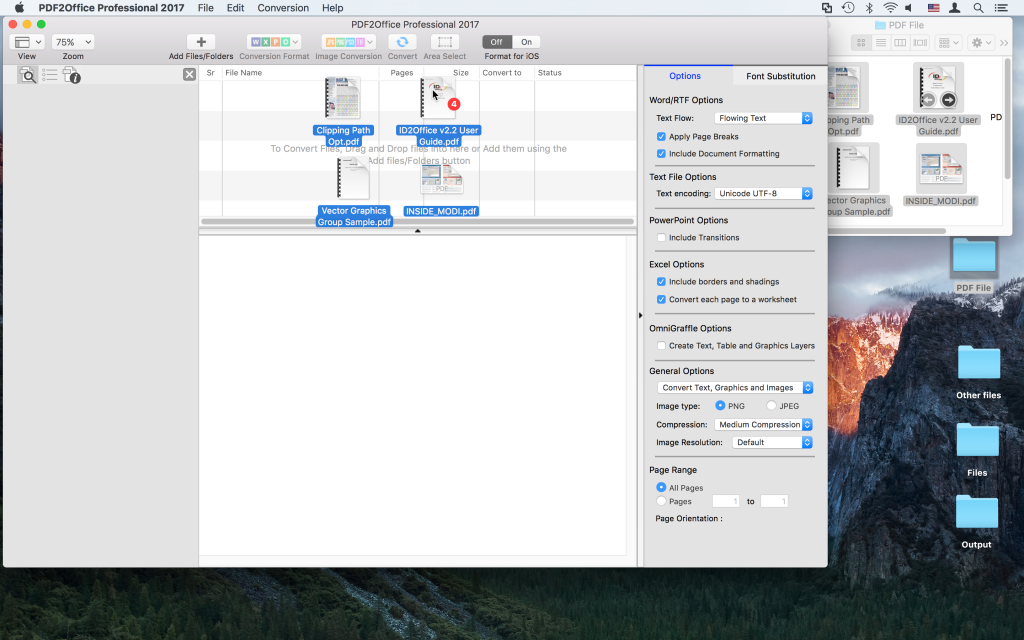
- To Convert a PDF or Windows XPS to Word, Excel, PowerPoint or OmniGraffle or other file types drag the files to convert to the PDF2Office Professional window

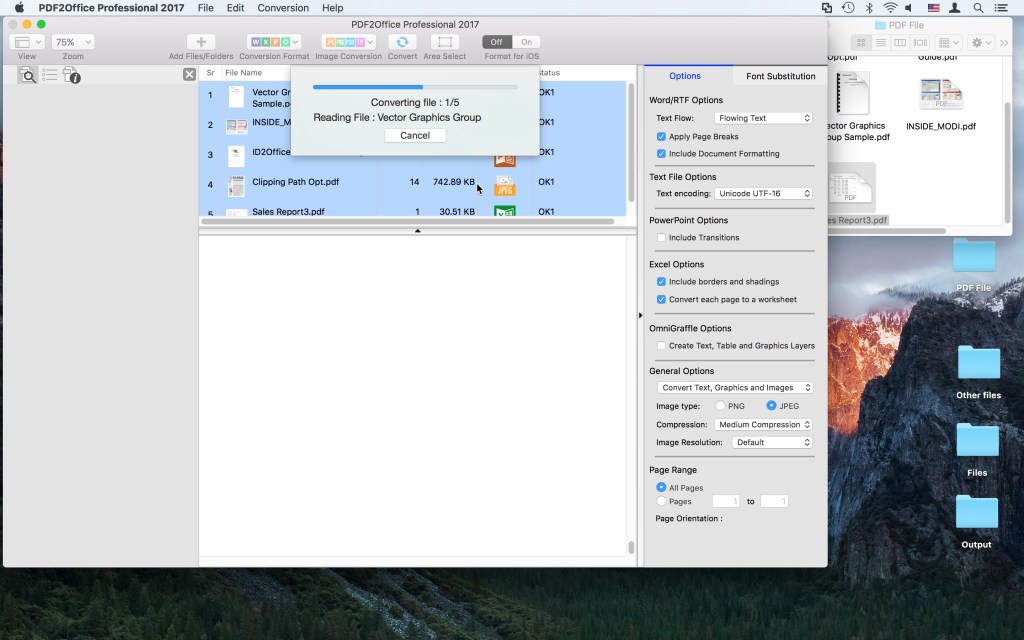
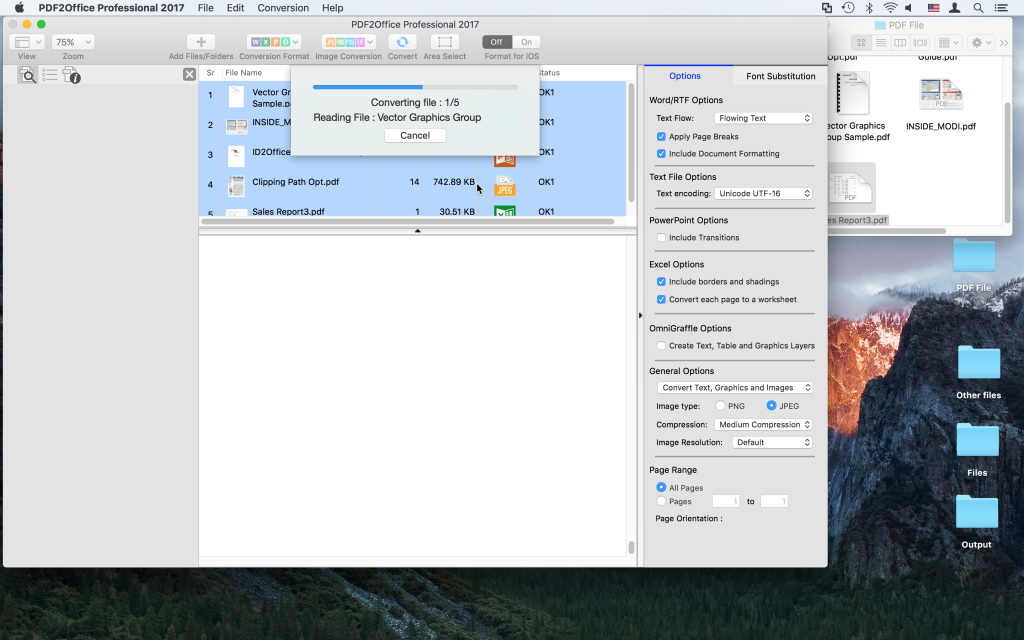
- Once the PDF or Windows XPS file has been added, set the Conversion type to Microsoft Word, Excel, PowerPoint, OmniGraffle or any of the supported types
- The PDF or Windows file is converted immediately and opened in the Microsoft Office apps or OmniGraffle ready to be edited
*2 Available for Windows version only